
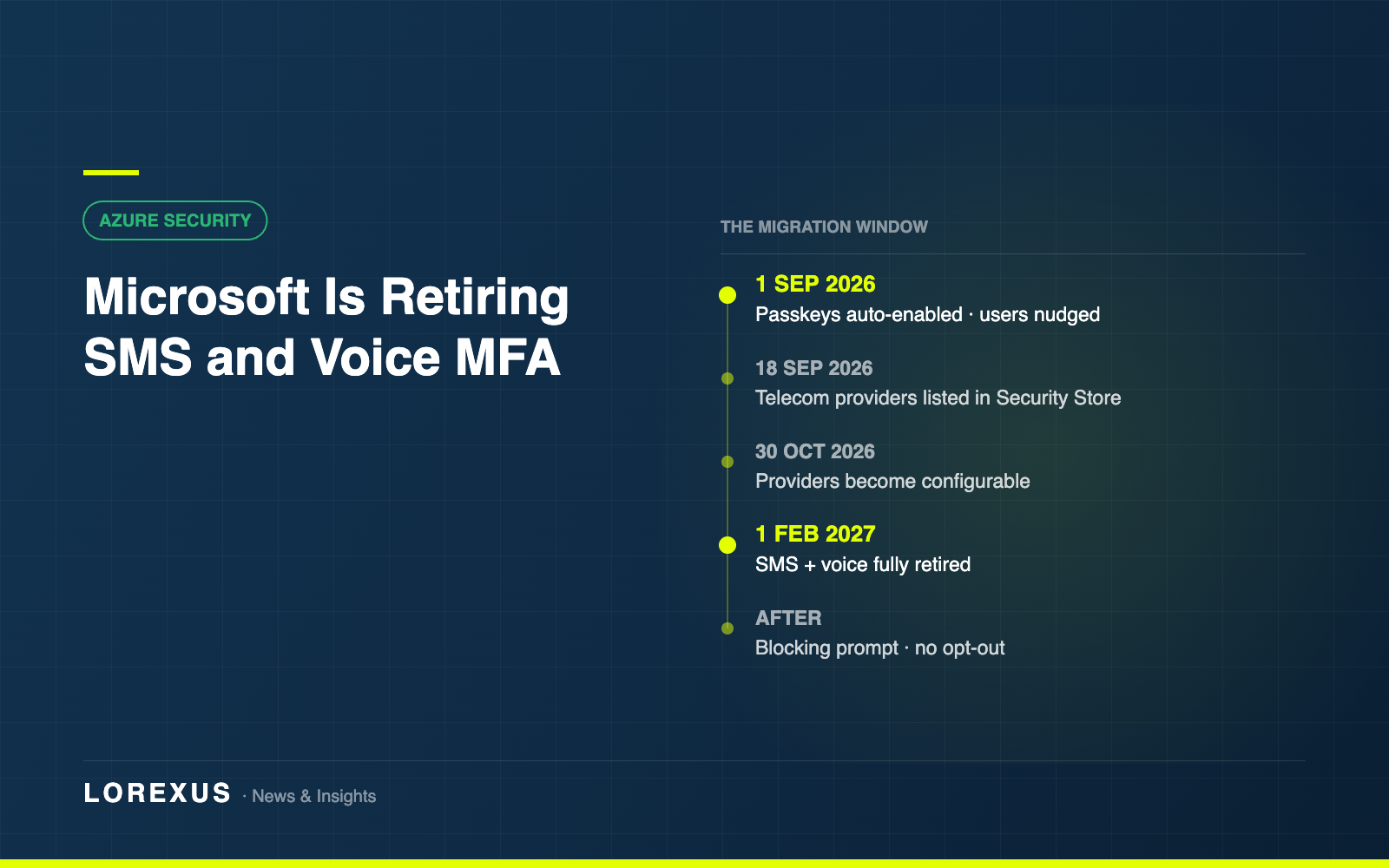
Microsoft is retiring SMS and voice as multi-factor authentication methods in Microsoft Entra ID, and replacing them with passkeys as the default sign-in experience. The reasoning is not complicated: SMS and voice codes are phishable, and phishing is how most account compromise still happens.
The first date is 1 September 2026. That is ten days away.
The timeline
1 September 2026 — passkeys become the default. Every Entra tenant with users enabled for SMS or voice has passkeys automatically enabled, and those users start being nudged to register a passkey when they complete MFA. Nothing breaks on this date. It is the point at which the migration starts happening to you rather than being scheduled by you.
18 September 2026 — information about customer-managed telecom providers becomes available through the Microsoft Security Store, for organisations that have a genuine regulatory reason to keep an SMS channel.
30 October 2026 — those providers become selectable and configurable.
1 February 2027 — Microsoft-provided SMS and voice are fully retired.
After 1 February 2027 — enforcement is blocking. A user whose only available MFA method is SMS or voice will be required to register a passkey during sign-in before they can continue. Microsoft’s wording is unusually direct on this point: there is no opt out from the February 1 behaviour, and it will be enforced for all tenants.
The part that catches people
There is a temporary opt-out, and it is easy to misread. Setting passkeyDynamicMigration through Microsoft Graph delays the automatic enablement of passkeys while you complete your own transition work.
It does not delay the February 2027 enforcement. Nothing does. The opt-out buys breathing room in the autumn, not an extension of the deadline.
What to do before 1 September
1. Find out how many users this affects. Microsoft publishes a PowerShell analyser that lists users enabled for SMS or voice — entra-sms-voice-usage-analyzer on GitHub. It needs Global Reader, Authentication Policy Administrator or Security Reader. Run this first, because the number is usually higher than expected and it determines how much of a project this is.
2. Enable passkeys properly. Turn on passkey (FIDO2) as an authentication method and make sure your SMS and voice users are actually in scope of the policy. Being enabled in principle and being in scope are different things.
3. Run a registration campaign. Entra admin centre, Authentication methods, Registration campaign. Setting the state to Microsoft managed and targeting your SMS and voice group is the way to move people at scale without the help desk absorbing it one call at a time.
4. Identify who cannot use a passkey. Shared devices, shop floors, field staff without a compatible phone, contractors on unmanaged hardware. These are the cases that will still be open in January, and they are the reason to start in August rather than December.
5. Tell people before Microsoft does. From 1 September your users are going to see prompts they were not expecting. A short message from IT beforehand is the difference between a smooth rollout and a week of tickets.
The wider point
This is the clearest signal yet that Microsoft is finished treating phishing-resistant authentication as an aspiration. SMS-based MFA has been known to be weak for years, and it has survived because it was convenient and universal. That argument has now expired.
If your organisation still leans on SMS codes for anything — not just Entra — this is a reasonable moment to look at the whole estate rather than only the part with a deadline attached.
Details and dates in this article are from Microsoft’s published guidance on the SMS and voice retirement (Message Center MC1426371). Confirm specifics for your tenant on Microsoft Learn before planning work.