
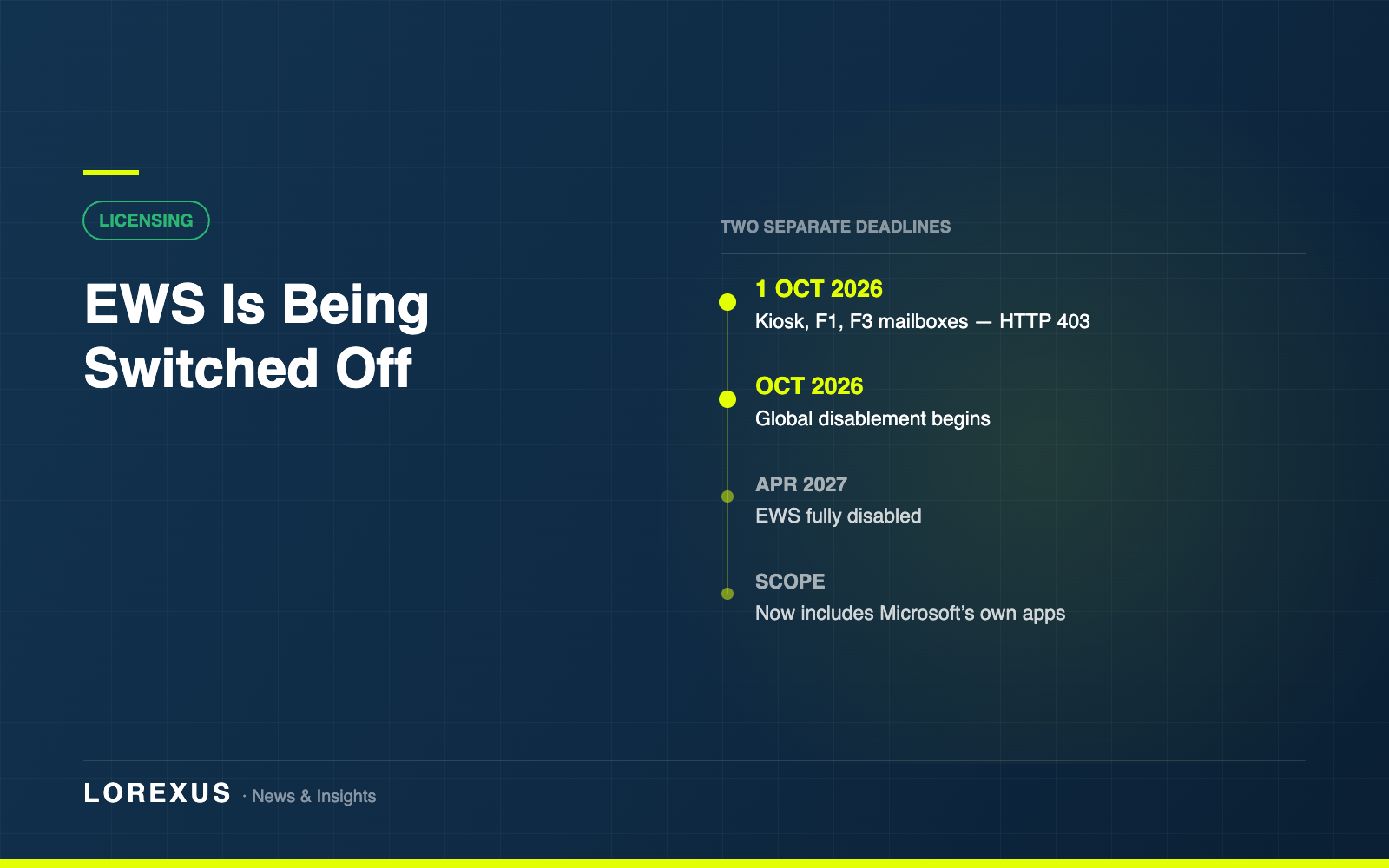
Exchange Web Services is being switched off. Two separate things are happening, on two different timelines, and they are being reported as one — which matters, because only one of them has a hard date and it is three weeks away.
1 October 2026: the licence block
This is the firm one. From 1 October 2026, mailboxes licensed only with Exchange Online Kiosk, or Microsoft 365 / Office 365 F1 or F3, lose EWS access. Requests made without a suitable licence return an HTTP 403.
Microsoft has already moved this date once — it was originally 30 June 2026 — so it has been pushed as far as it is likely to go.
The remedy is a licensing one rather than a technical one: affected users need a licence that carries EWS rights, which means Exchange Online Plan 1 or Plan 2, or Microsoft 365 / Office 365 E3 or E5.
October 2026 to April 2027: the global switch-off
Separately, and more gradually, EWS itself is going away. Microsoft’s guidance is that EWS starts to be disabled globally for all organisations in October 2026, and is fully disabled by April 2027. There is no single published cut-off date inside October.
One detail here is being widely under-reported, and it is the important one. The scope of this retirement was widened from third-party applications to include all Microsoft applications — Outlook, Office, Teams and Dynamics 365 included. Plenty of coverage still describes this as something that only affects third-party integrations. It does not.
What actually breaks
EWS is one of those protocols that quietly underpins more than anyone remembers. The usual suspects in a mid-sized estate:
Backup and archiving tools. Mailbox migration tooling. Email signature management. CRM and helpdesk integrations that read or write mail. Room and resource booking panels. Multifunction printers and scanners that send scan-to-email through a mailbox. Time-and-attendance and other frontline systems. Anything a developer built internally against a mailbox five years ago and nobody has touched since.
The frontline systems are where the two deadlines collide. If you have staff on F1 or F3 licences and any of those systems touch their mailboxes over EWS, 1 October is the date it stops — regardless of the wider April 2027 timeline.
What to do in the next three weeks
1. Run the EWS Usage Reports in the Microsoft 365 admin centre. This is the single most useful thing available, because it tells you which applications in your tenant are actually calling EWS rather than which ones you think are.
2. Cross-reference against your frontline licences. List the mailboxes on Kiosk, F1 or F3, then check whether any of the applications from step one touch them. That intersection is your 1 October exposure.
3. Decide per case: fix the integration or change the licence. Moving an application to Microsoft Graph is the durable answer, because the licence change only buys time until the wider retirement completes. But if an application cannot be changed quickly — a supplier product, an appliance, something out of support — upgrading the licence is a legitimate way to buy runway.
4. Ask your suppliers now. For third-party products the answer is not yours to give. Vendors who have had three years of warning have mostly moved to Graph; the ones who have not are the ones worth chasing this month rather than in late September.
5. Do not wait for parity. Microsoft is explicit that organisations should not wait for every Graph feature gap to close before starting. The migration takes longer than the remaining runway if you start when the gaps close.
The licensing question underneath
For a lot of organisations this lands as an unplanned cost. Frontline licences exist because they are cheap at volume, and moving a few hundred F3 users to E3 to keep one integration alive is a material change to an annual bill.
It is worth doing that arithmetic deliberately rather than reactively, and it is worth doing alongside a look at the rest of the estate — because the seats you are about to upgrade may sit next to seats nobody is using at all. That is the review we run: Reduce your Microsoft 365 costs.
Dates and scope in this article are taken from Microsoft’s published EWS deprecation guidance and Message Center MC1191578. Retirement timelines do move — the F1/F3 date has already shifted once — so confirm against Microsoft Learn before planning work around a specific date.