
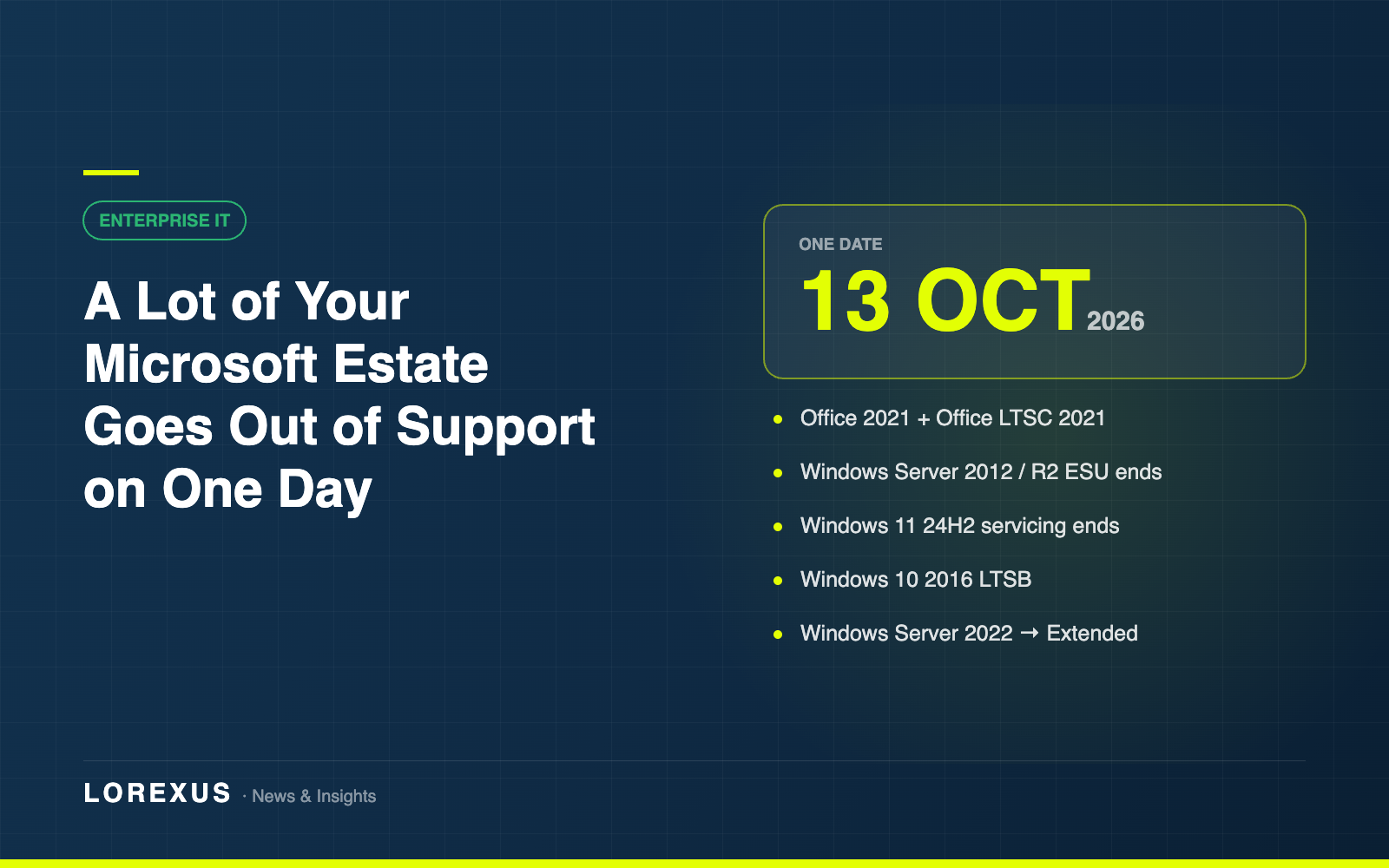
Most end-of-support dates arrive one at a time and get handled quietly. 13 October 2026 does not work like that. A long list of Microsoft products reaches the end of its supported life on that single day, and for a typical estate several of them will apply at once.
It is eight weeks away. Here is what actually lands.
The Office 2021 family retires
Retail Office 2021 reaches retirement across the board: Access, Excel, OneNote, Outlook, PowerPoint, Project, Publisher, Visio and Word.
The volume-licensed equivalents go the same day. Office LTSC 2021 reaches end of support, including Office LTSC 2021 for Mac and Skype for Business LTSC 2021.
If you bought perpetual Office licences in 2021 and never moved those users to a subscription, this is the date that decision comes due.
Windows Server 2012 and 2012 R2: the actual end
Extended Security Update Year 3 ends for both Windows Server 2012 and Windows Server 2012 R2.
This one deserves emphasis, because ESU has trained people to expect another year. There is no Year 4. After 13 October there are no further security updates, no non-security updates, no free or paid assisted support options, and no online technical content updates. Anything still running on 2012 or 2012 R2 after that date is unsupported in every sense of the word.
Eight weeks is enough time to migrate a workload. It is not enough time to discover you had one.
Windows 11 24H2 stops being serviced
Windows 11 Home and Pro version 24H2 reaches end of servicing. Devices need to be on a newer feature update before then to keep receiving security updates. This is the one most likely to be handled automatically already — but worth confirming rather than assuming, particularly for machines that defer feature updates by policy.
Windows 10 2016 LTSB
Windows 10 2016 LTSB and Windows 10 IoT Enterprise LTSB 2016 reach end of support. LTSB devices tend to be the ones nobody looks at — kiosks, manufacturing lines, medical and retail equipment — which is exactly why they are worth checking now.
Windows Server 2022 changes phase
Not an ending, but a change worth knowing about. Windows Server 2022 moves from Mainstream Support to Extended Support on the same date. Security updates continue at no cost. Non-security updates and support become paid, and Microsoft stops accepting requests for design changes or new features.
Nothing breaks. It simply stops improving.
Then four weeks later
On 10 November 2026, a second smaller wave: .NET 8 (LTS), PowerShell 7.4 (LTS), Windows 11 Enterprise and Education version 23H2, Windows 11 IoT Enterprise 23H2, and Azure IoT Edge v1.5 (LTS) all reach end of servicing.
The .NET 8 one catches people out. It is an LTS release, and LTS reads as “safe for a long time” right up until it is not.
What to do with eight weeks
In priority order:
1. Find any Windows Server 2012 or 2012 R2 still running. This is the only genuine hard wall on the list. Everything else degrades; this one stops.
2. Inventory Office 2021 and Office LTSC 2021 installs. Not licences purchased — installs in the field. The two are rarely the same number.
3. Check your Windows 11 feature update posture. Confirm no fleet is pinned to 24H2 by policy.
4. Locate LTSB devices. They are usually owned by someone outside IT.
5. Check what runs on .NET 8. Line-of-business applications, internal tooling, anything a supplier built for you.
A fair amount of this is a licensing question as much as a technical one — what you are entitled to, what a move costs, and whether the seats you are replacing were being paid for in the first place. If that is where you are, our free licensing review covers it: Reduce your Microsoft 365 costs.
Dates in this article are taken from Microsoft’s published lifecycle documentation. Confirm anything specific to your estate against Microsoft Learn before acting on it.